Service Module
|
|
DeepEnd's Service Module enables you to track each Service Job from start to finish while
maintaining the distinction between the Job Site and the Customer. All service history
is related to the Job Site and all billing history is related to the Customer. And with the
Customer being related to the Job Site(s), DeepEnd ties all the information together
in an easy-to-follow user interface.
You can easily keep track of the work that is performed, the equipment items serviced,
the parts & labor required and the resources (Techicians and Equipment) required for
each job. Large or complex jobs can be broken up into more than one Phase and,
optionally, billed on a per phase basis. DeepEnd also utilizes a sophisticated sales tax
scheme to handle out-of-State jobs where the tax rate may differ from your home State.
At the heart of the Service Module is the Service Job Data Entry form which provides a
single point for managing all aspects of the job. This form is described in detail below.
|
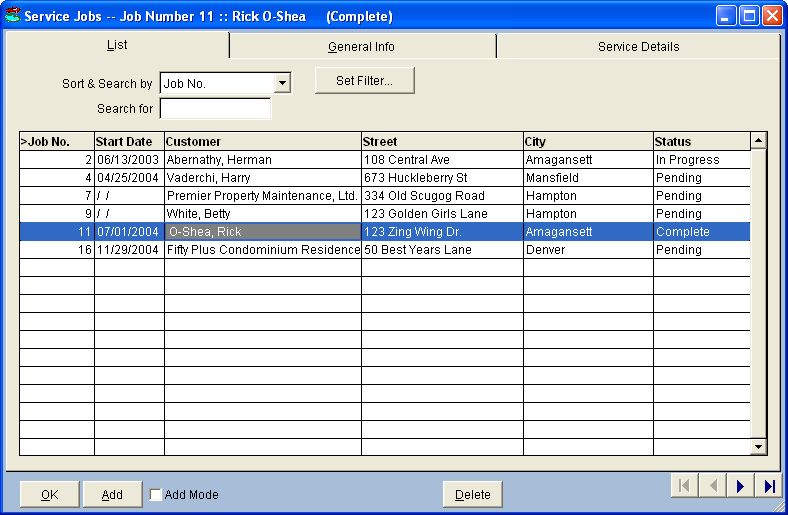
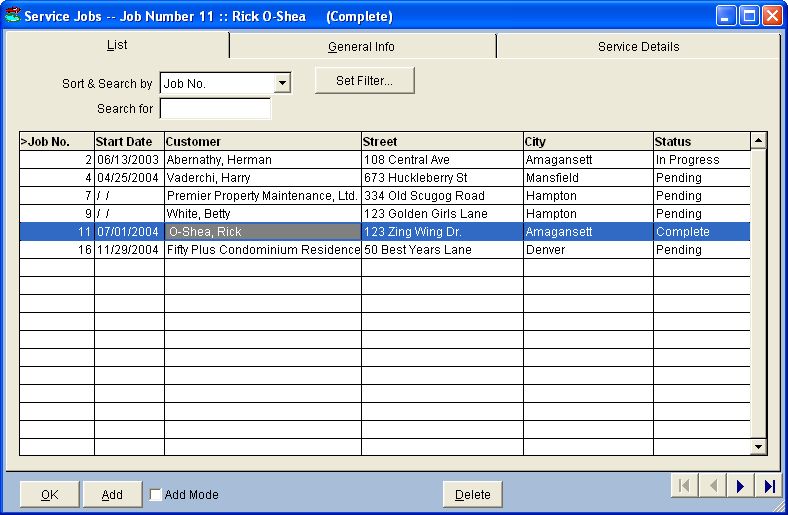
- List Page
This page is common to all multi-page data entry forms and is used to
sort, search and navigate through the Service Jobs on file.
The Jobs List can be sorted and searched by Job Number,
Start Date, Customer, Street, City or Status.
You can also set a special filter on this list by specifying selection
criteria for any of the "user-friendly" fields in the Service Jobs file.
|
|
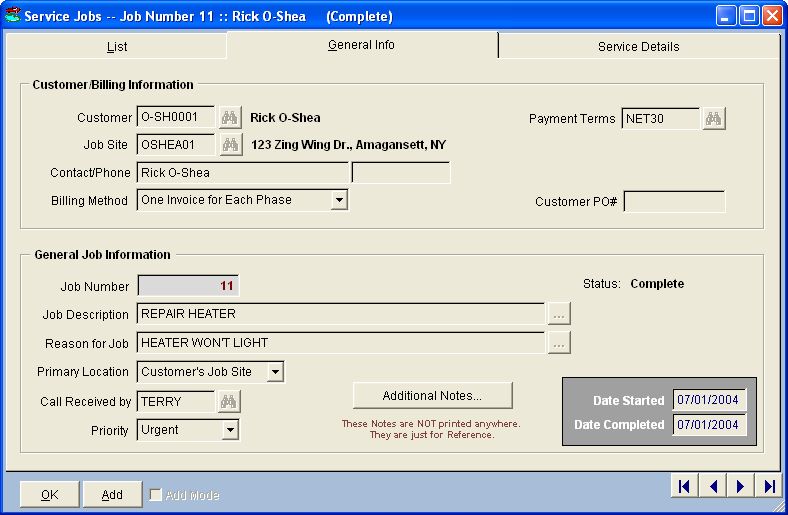
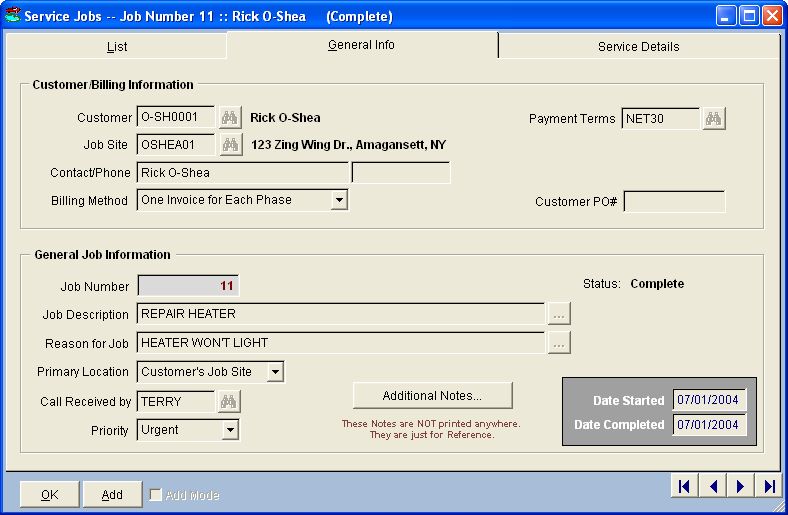
- General Info Page
This page contains the Customer and Job Site information as well as general
information about the job. The Job Description and Reason
for Job can be selected from picklists for easy, consistent data entry.
|
|
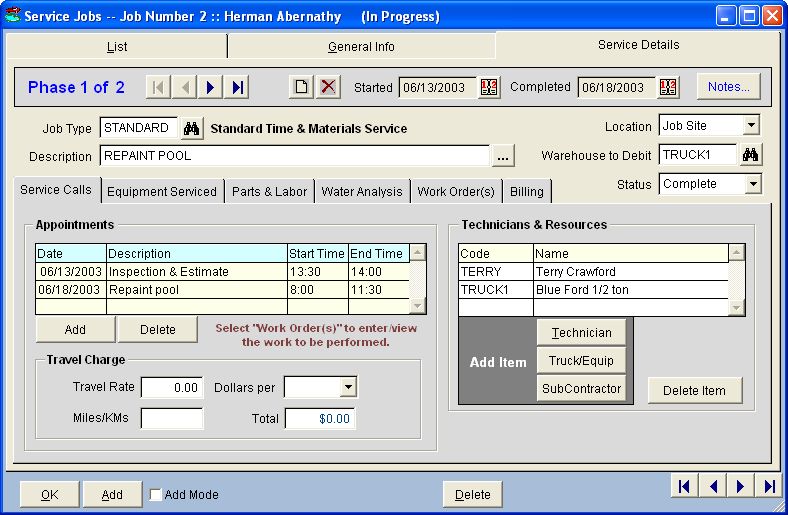
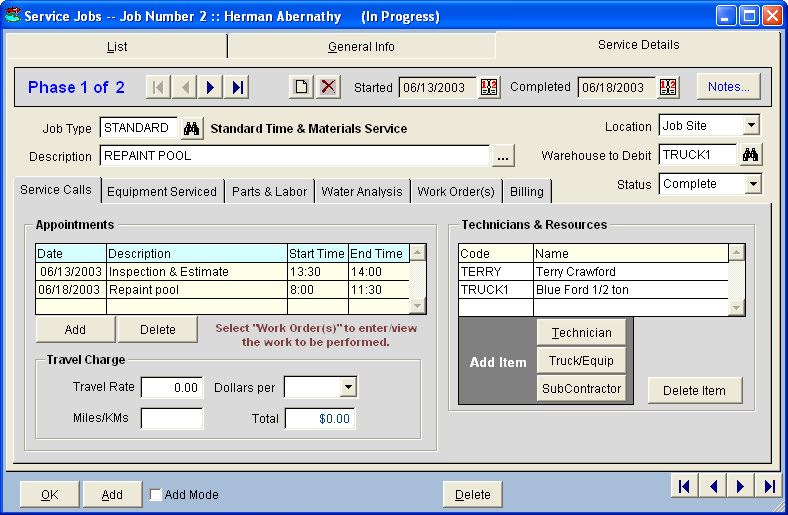
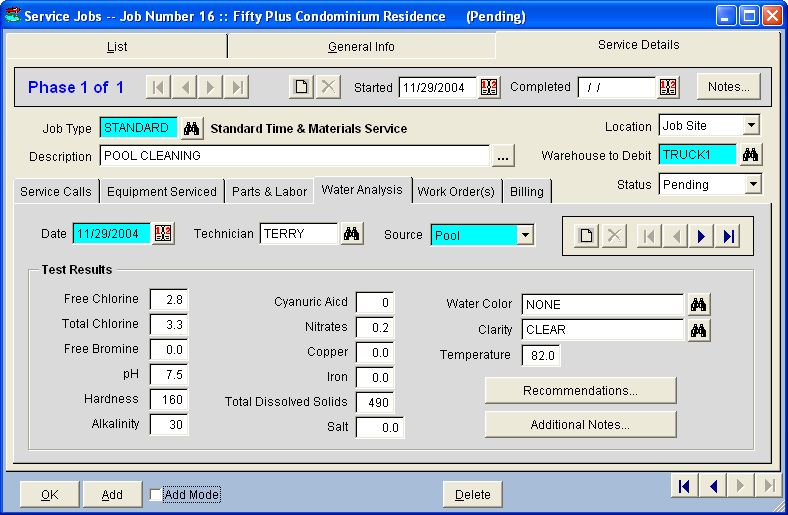
- Service Details Page
Each new job, by default, is create one Phase and you can add as many
additional phases as you wish. The multi-tabbed page frame on this page
contains details about the currently selected Phase. Stepping through the
phases with the arrow buttons causes these phase details to be refreshed
for the current phase.
Each phase is assigned a Job Type and Description which can be chosen
from a picklist and is treated like a "job within a job".
|
|
|
|
|
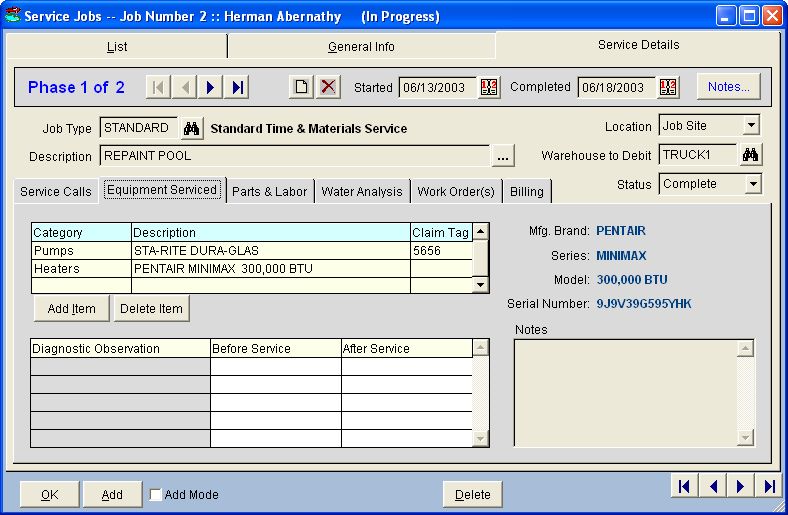
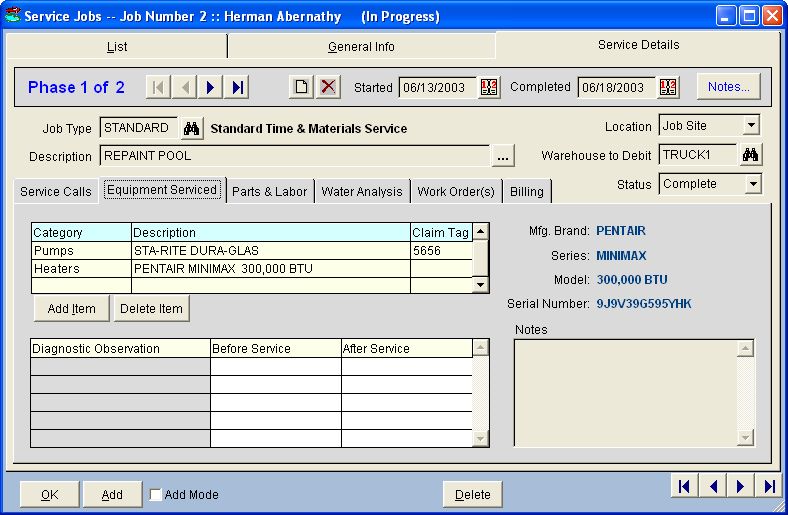
- Service Details Page - Equipment Serviced
If the job phase involves repairing a piece of equipment, such as a pump or heater,
that equipment can be specified on this page by simply selecting it from the Job Site
Equipment List. If the repair is taking place at your shop rather than on-site, you can enter
the Claim Tag Number given to the customer, if used.
For each Product Category that you designate as an Equipment Item in the Product
Categories form, you can define Diagnostic Observations that you want your
technicians to check during service. If any Diagnostic Observations are defined for
the product category of the equipment serviced, those diagnostic names are displayed
on this page along with fields where you can type in the Before and After values.
|
|
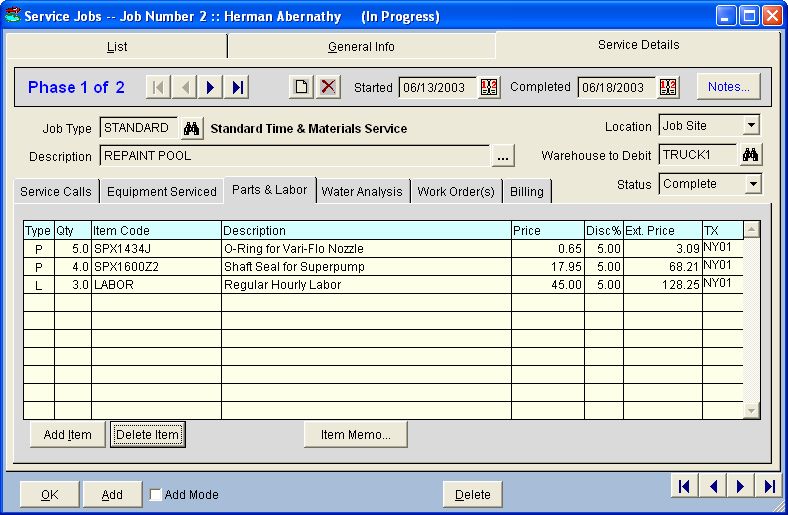
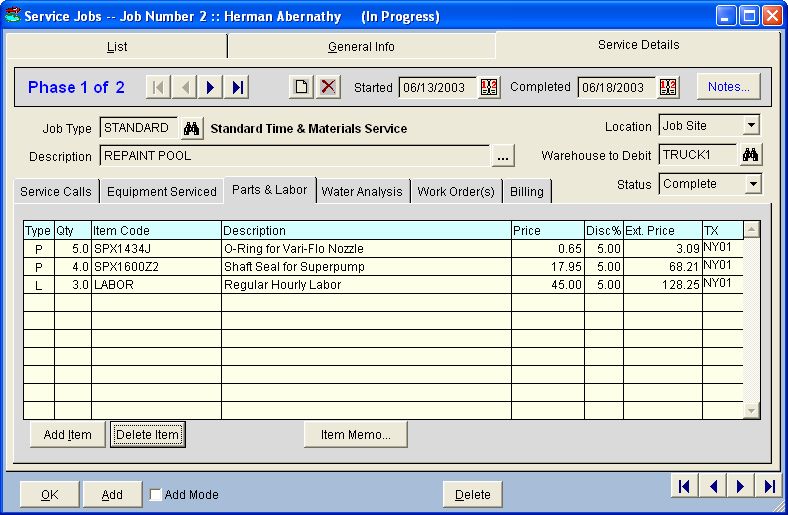
- Service Details Page - Parts & Labor
As the name implies, this page is where you enter the Parts & Labor for
the phase. Ultimately, these details in this list become line items in the Invoice.
|
|
|
|
|
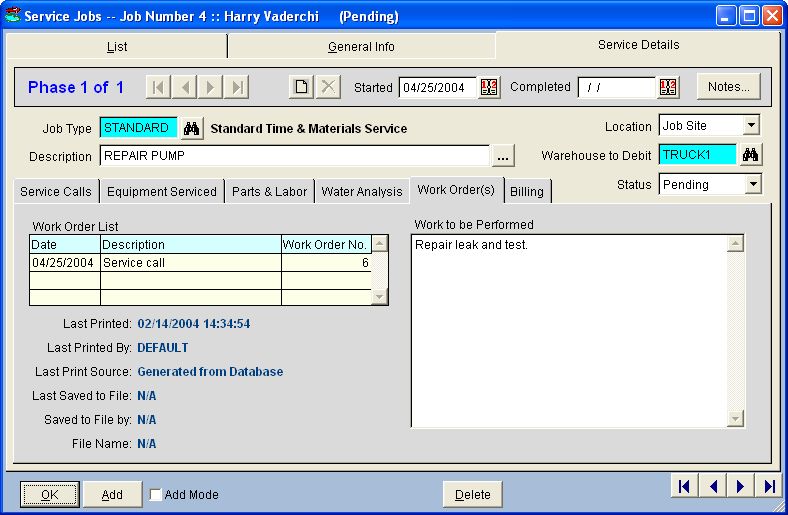
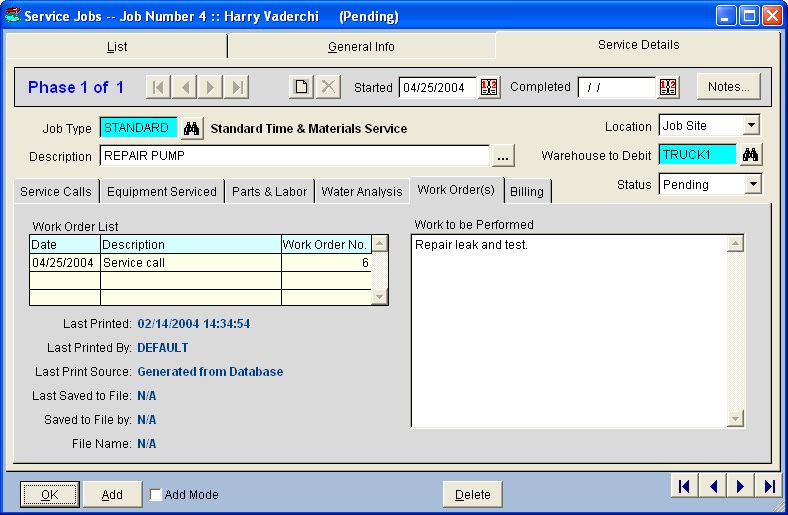
- Service Details Page - Work Orders
In DeepEnd, the term "Work Order" refers to the actual physical worksheet
given to the technician. Therefore, there is always a separate Work Order
for each visit to the job site.
DeepEnd utilizes completely customizeable templates for printing
Work Orders. These templates are RTF (Rich Text Format) documents
that can be editted with any popular word processor. These templates
employ "tags" that are placeholders for pieces of information
retrieved from the database such as customer info, job site info
or installed equipment info. Additionally, work order templates are
are associated with Job Types you define so that each different job
type can have its own specific work order. This strategy provides
highly dynamic, data-driven work orders that contain only that
information which pertains to the work being performed.
|
|
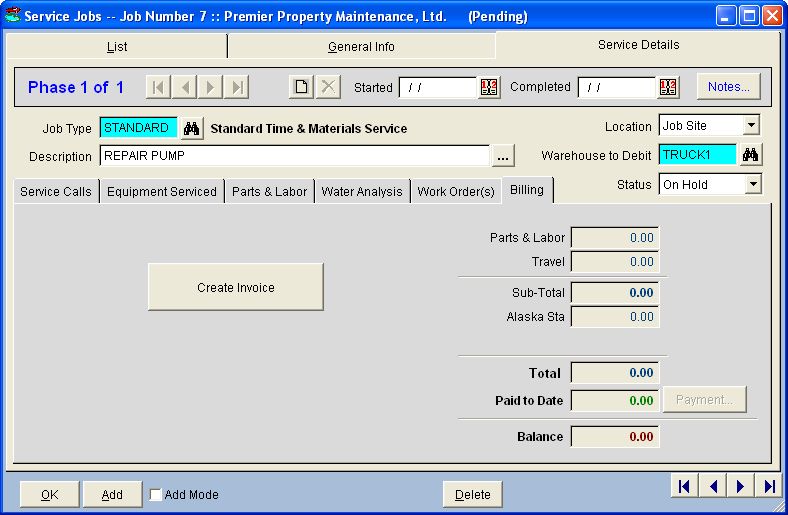
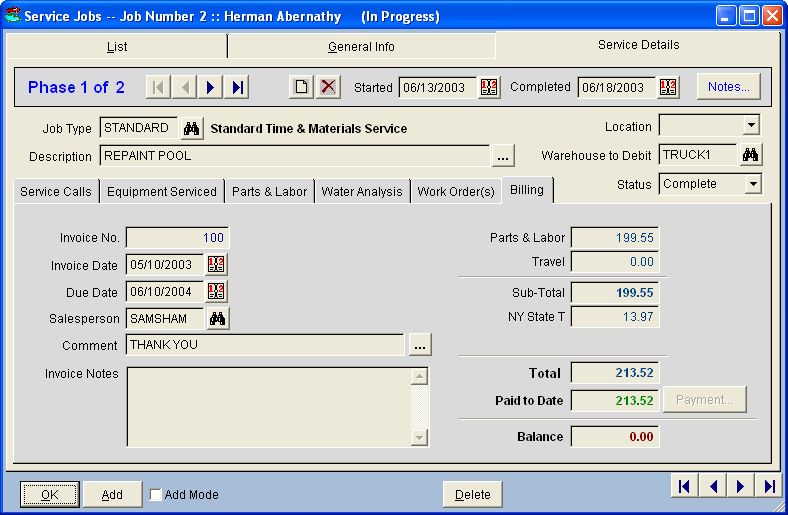
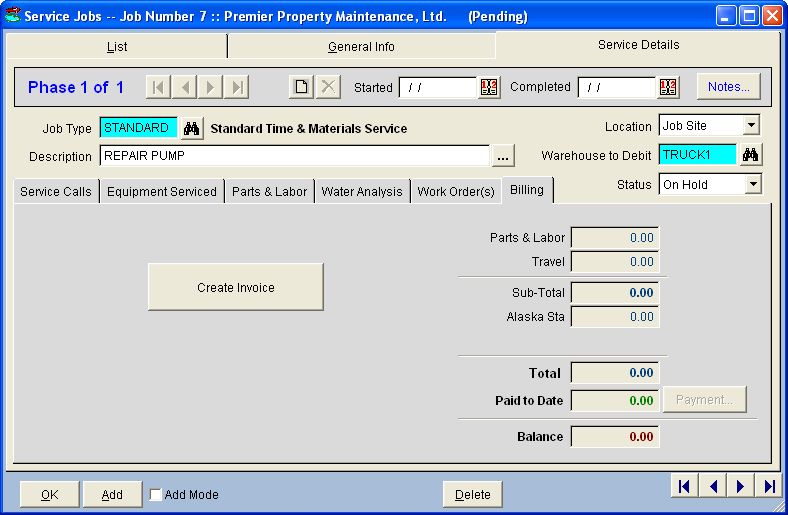
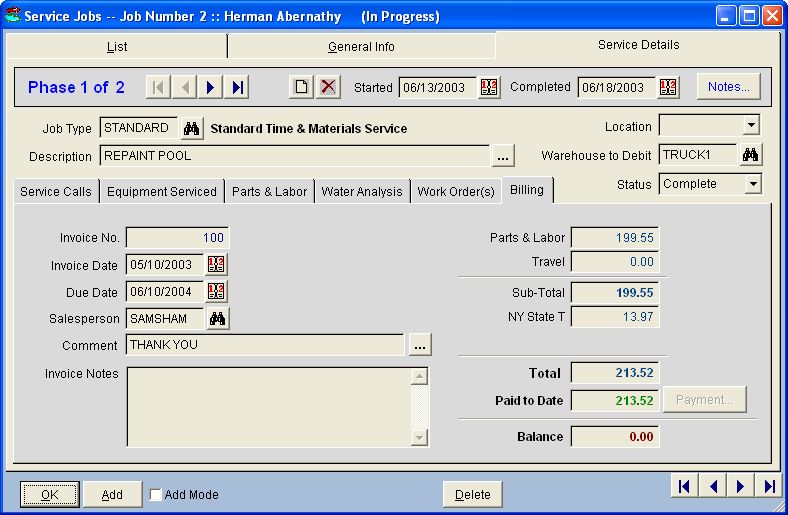
- Service Details Page - Billing
Jobs can be billed either on a "per-Phase" basis or on a
"per-Job" basis. The Invoice is created directly from this
data entry form and payments can be made from here as well.
|
|
|
|
Key Features Summary
|
Back to Top
|
- User-definable Job Types with customizable Work Order print
forms
- User-definable Questions & Answers for each Job Type with
answers printed on work orders
- Multi-Phase capability for jobs requiring periodic billing or
where re-work is required
- Jobs can be created from quotes
- Jobs can be created from Templates for recurring work having
parts, labor and instructions already entered, but still
changeable
- Continuous Job Status tracking
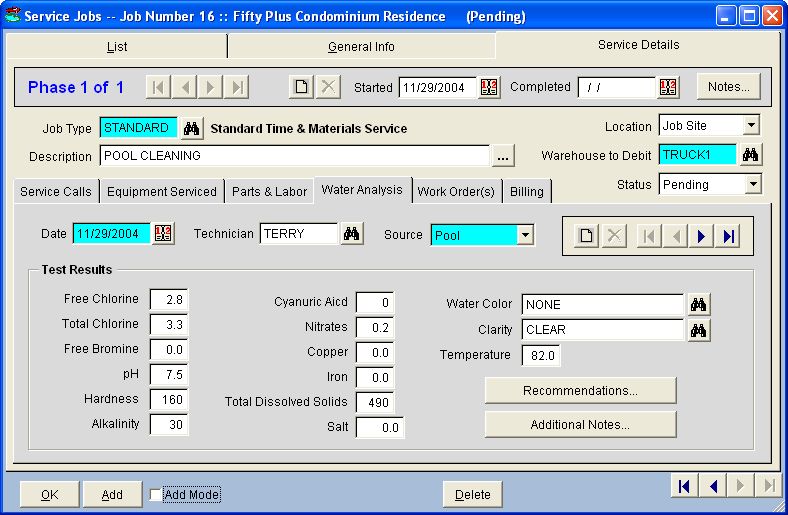
- Job-related Water Analysis tracking
- Unlimited number of pictures can be linked to any job
- Drag & drop graphical Service Calendar with time blocks
color coded by Job Type, GeoZone, Priority or Invoice Status
- Multi-jurisdiction sales tax handling for out-of-state jobs
- Customer credit card data can be securely stored to enable
invoice payment without the customer present
- Quick Find job by Job Number, Work Order Number or Invoice
Number
- Work Orders can be printed individually or in batches
- Work order printouts can contain installed equipment
information
- Work performed can be transferred to the invoice memo
- Unlimited deposits per job
- Integrated Microsoft MapPoint optimizes service routes
|



 P.O. Box 58, Hampton, ON, Canada L0B 1J0