Customers
|
|
This section describes the information that DeepEnd tracks for each
Customer. Included are screen shots of the Customers Data Entry form
and a summary listing of the customer management features in DeepEnd.
|
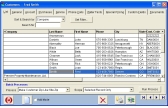
- Customers Screen - List
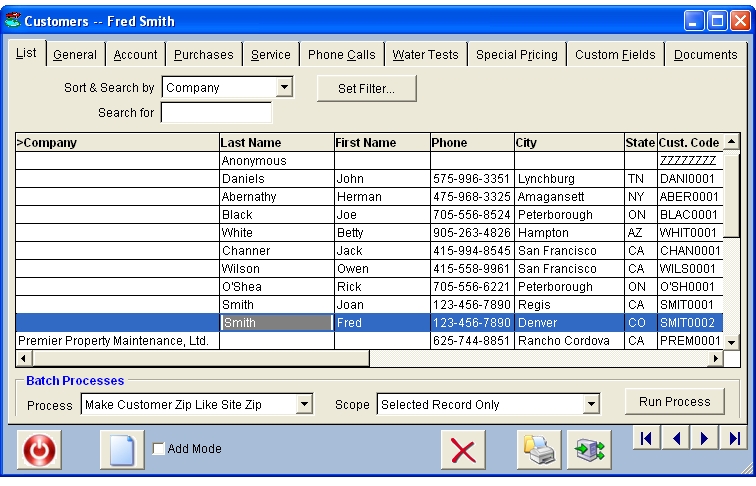
This page is common to all multi-page data entry forms and is used to
sort, search and navigate through the Customers file.
The Customers List can be sorted and searched by Company Name,
Last Personal Name, First Personal Name, Phone Number, City, State, Customer
Code, Address or Date/Time Created.
You can also set a special filter on this list to
display only those customers that match certain selection
criteria.
|
|
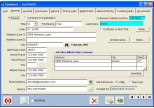
- Customers Screen - General
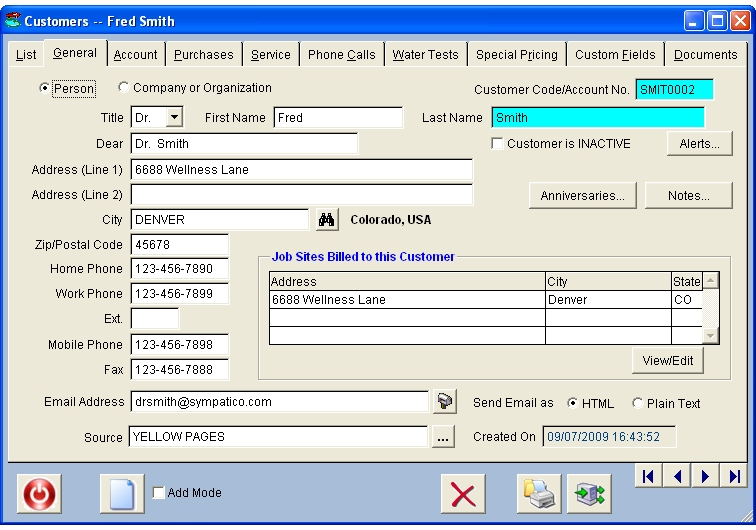
This page contains all of the general information about the customer.
The city component of the address is selected from a picklist rather
than being typed in explicitly. This enables faster, more consistent data
entry and eliminates multiple spellings for the same city which cause problems
when filtering the Customers list by city.
This page also displays a list of the job sites owned or
managed by the customer. Each customer can have an unlimited number of job sites
to easily handle customers who have two residences or customers who are property
management companies who subcontract the pool maintenance to you.
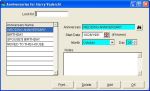
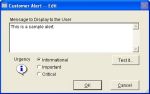
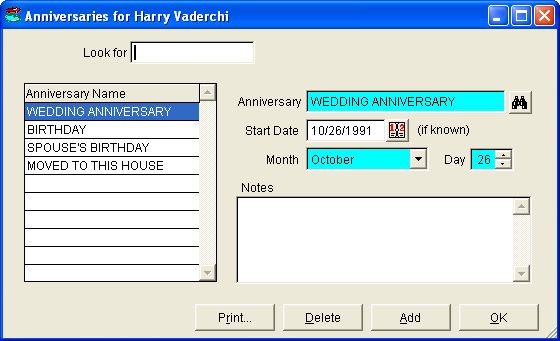
From here, you can also maintain a list of special anniversary dates such as
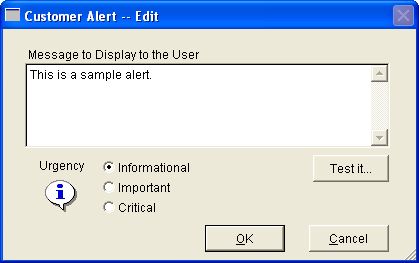
birthdays, anniversaries, etc. as well as a special "customer alert" message
that is discreetly displayed on any screens containing a customer code textbox.
|
|
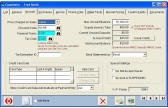
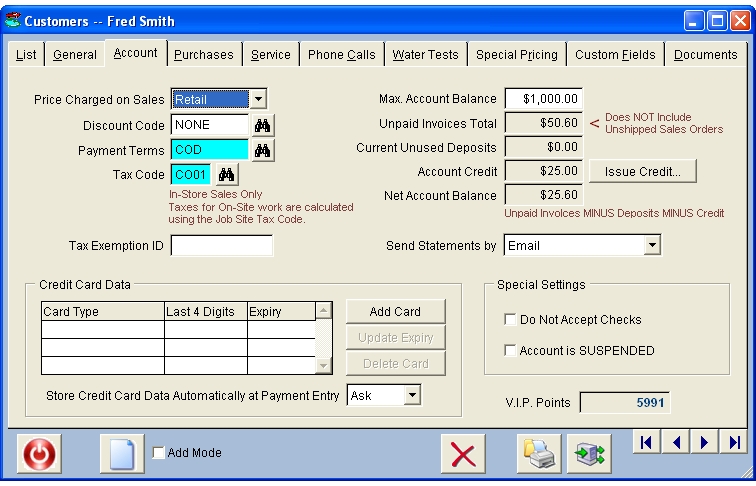
- Customers Screen - Account
This page is where you set up the various options used by the Billing features
throughout DeepEnd.
DeepEnd allows 2 different Tax Codes to be assigned to each customer - one to be
used for in-store sales and one to be used for on-site service work.
With the integrated X-Charge payment card
processing, you
can securely store customer credit card data for easy,
secure bill payments.
|
|
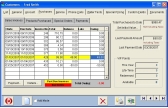
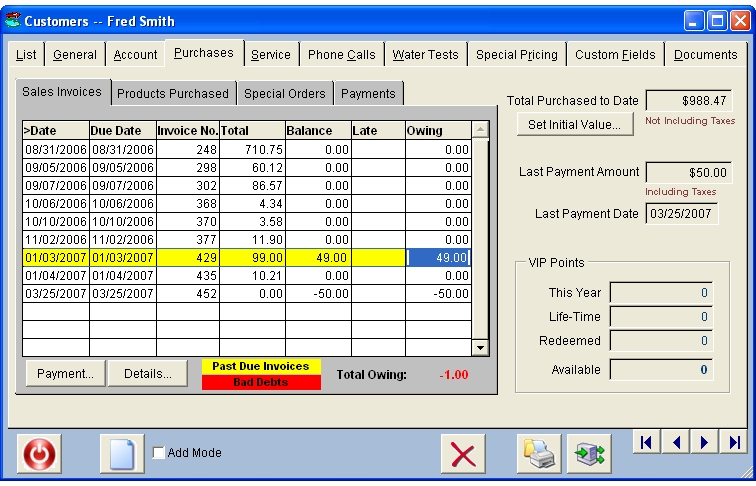
- Customers Screen - Purchase History
This page lists every purchase made by the selected customer.
Past due invoices are highlighted in yellow and bad debts
are highlighted in red.
You can drill down into any invoice for a more detailed look and you can
also enter a payment right from this screen.
|
|
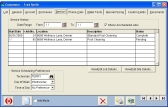
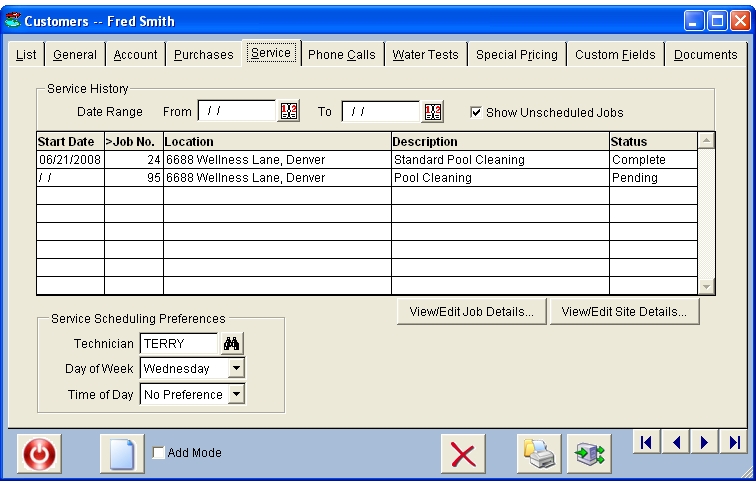
- Customers Screen - Service
This page lists every service job performed for the selected customer.
If there is more than one property billed to the customer, you can
easily see which location was serviced by each job
You can drill down to either the job record or the service location record
with the click of a button.
|
|
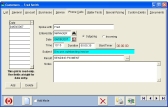
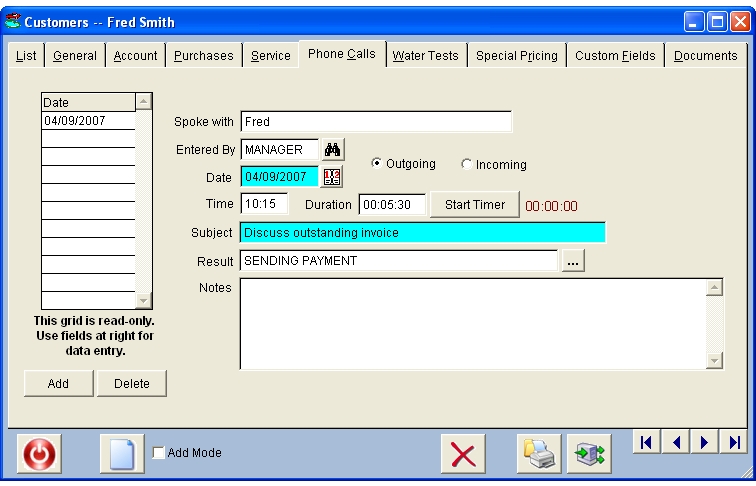
- Customers Screen - Telephone Calls
DeepEnd enables you to keep track of every call to and from
every customer and the built-in call timer helps you precisely
record the duration of each call.
|
|
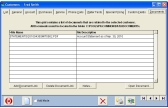
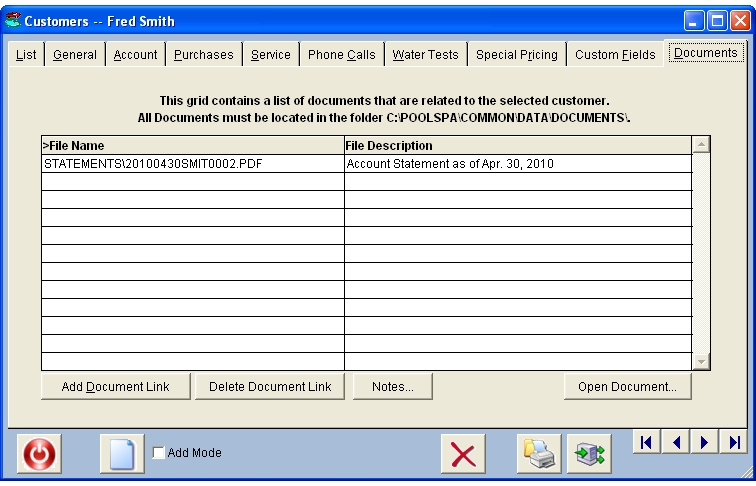
- Customers Screen - Documents
If you have created any documents for a customer, such as letters,
spreadsheets, drawings, etc., you can organize them and link them
to the customer here. This enables all users to find the documents
quickly and open them on any computer that has the necessary
software installed (example: Microsoft Excel).
|
|
|
|
Key Features Summary
|
Back to Top
|
- Unlimited number of Customers
Customers can be persons or companies
- Unlimited job sites for each customer
- Quick lookups by Customer Code, First Name, Last Name
and Phone Number
- 10 User-defined fields
- User-defined customer-specific alert message with variable urgency level
- Unlimited anniversary dates for each customer
- Secure storage of customer credit card data for easy,
secure payments via X-Charge payment card processing
- 2 tax codes for each customer - one for in-store sales
and one for on-site service - easily handles out-of-state
customer accounts without difficult work-arounds
- Complete detailed sales history for each customer
- Invoices and statements can be emailed to customers
- Document linking for easy access from any computer on
the network
- VIP Points System for effective
customer patronage recognition
- Mailing labels in every common Avery™ layout
- Telephone call logging
|



 P.O. Box 58, Hampton, ON, Canada L0B 1J0